Archive for the ‘VO Audio Technology’ Category
After many years of thinking about it, a few weeks ago I finally took the plunge and bought a Mac, specifically the new MacPro. I lucked out in my timing. A few months earlier, Apple took an expected turn in its production and decided to start shipping products with the Intel chip inside. What that meant is that people could now purchase the first computers that can literally run all the current operating systems out there: Windows, Mac, Linux, Unix. For my part, I was only concerned with MAC OS X and Windows XP.
My first big surprise with the MacPro was the noise factor: none. It’s whisper quiet; easily the quietest machine I’ve ever owned, and considering it has server specs (two duo core CPUs), I was expecting major blowers on it. The fans are big but wider and the whole machine is tight (the metal case fitting very snugly) — so air flow is very even which probably helps keep it quiet.
I’ve spent the last few weeks between work and learning Mac OS X (that’s Roman numeral 10 not X; apparently, it’s a source of ridicule if you don’t know that). So far I’m finding the system pretty intuitive, but downloading software or updates without having to virus check is very strange to me. I understand from prior research that there hasn’t been a reported Mac virus in 15 years and that was only a joke or message popup, nothing destructive. Pretty cool if that’s true. Obviously, MAC OS isn’t impenetrable and I’ll still be looking into any necessary security before I place important data on the system.
Oh, and I love the Mac dashboard, but I understand Windows created one (or Yahoo did for Windows). Nice to have real-time references, clocks, weather, whatever, with one mouse click. Frankly, the only thing I’m finding hard to get used to is the standard keyboard; I have to get a Mac keyboard that’s ergonomic, which is what I’m used to now.
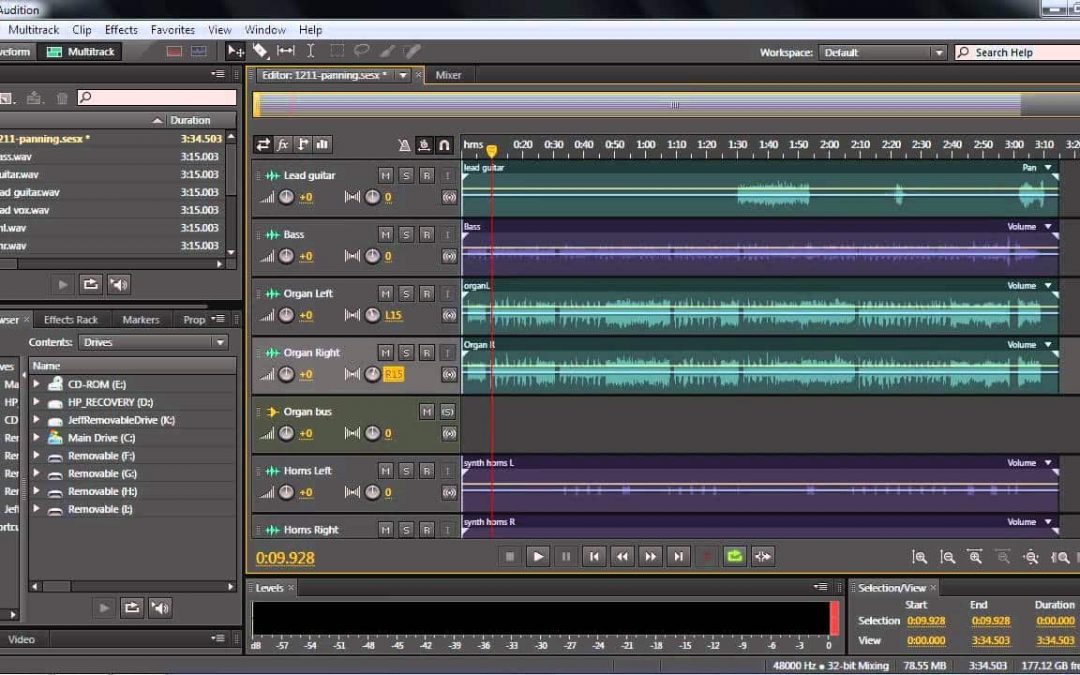
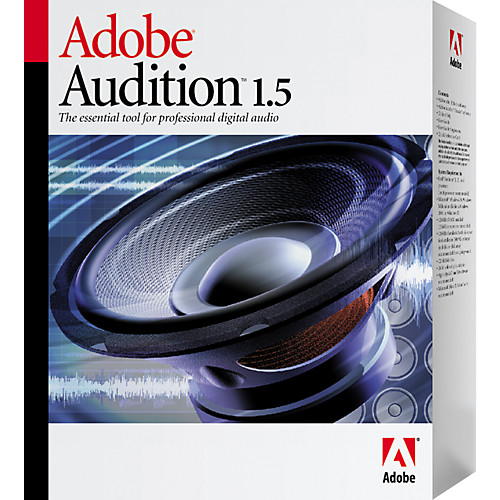
The one major drawback has nothing to do with the Mac, but rather with Adobe. I know I can get all my major production software for Mac OS, except Adobe Audition 1.5, my sound editing program. I’m a voice producer who can’t use her favorite editing program with Mac OS. On the definite plus side is that I downloaded the beta version of VMWare for Mac, Fusion. VMWare is a virtual machine software program like Microsoft’s Virtual PC. Basically, it creates a virtual computer within your computer and allows you to run other operating systems without rebooting.
My hope is that I can run Windows and Adobe Audition through VMWare on the Mac. Since Fusion is still in beta, I’m not sure how much of this I can test. Alternatively, I can try Microsoft’s Virtual PC. The demo looks great, especially when the ability to drag and drop between the Mac OS (host) and Windows (guest) — two computers in one.
Music-software-reviews.com now has a sound editing software comparison chart available that includes Audition 2.0. You can see at a glance differences between 1.5 and 2.0. The chart seems to line up better through Internet Explorer than through Firefox (my default browser).
That site also has a nice music glossary that describes some of the features listed in the editing software comparison chart.
Most voice actors I know love 1.5, hate 2.0. They find 2.0 unnecessarily complicated. I truly love Audition 1.5; my only beef (and it’s a big one) is that Adobe refuses to develop a version of Audition for Mac OS X. What a terrible tragedy.
A vocoder basically makes a musical instrument or sound effect talk like you (or mimic whatever you use to modulate the carrier wav, your voice). Adobe Audition 1.5, my favorite editing program, comes with a vocoder in the multitrack section under effects. Here’s a vocoder video tutorial by Jason Levine. It’s part of the excellent Total Training DVD for Adobe Audition 1.5. I definitely recommend that training DVD which I think is still available on eBay. Jason uses the vocoder for the great intro clip that loads when you first launch Adobe Audition’s multitrack feature.
Anyway, here is a vocoder sample mp3 file I produced. You’ll hear the original clips and the vocoded effect using a guitar loop. One portion has a dry voice recording saying "voice over services". I enhanced that with the vocoded version of the same phrase on a separate track. I also added a cello wav file that I love. (The cello is probably my favorite instrument; so much emotion.) Then, I added a vocoded phrase I created with the cello as the modulating track. Very interesting sounds. I love to play with this stuff. |