Adobe Audition Coming to Mac OS

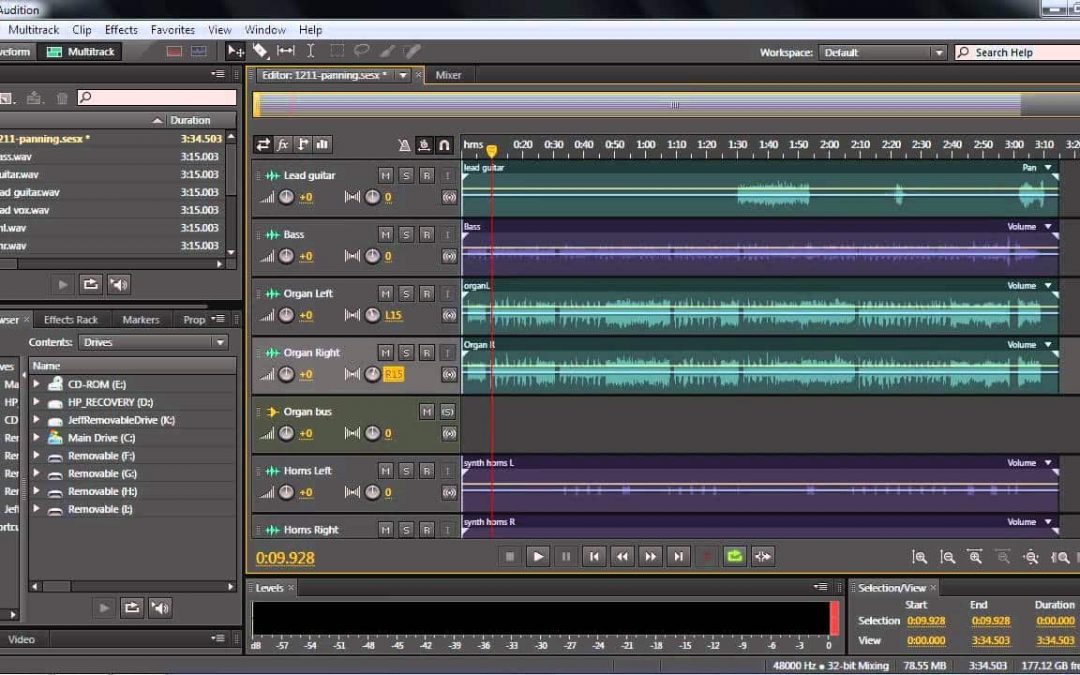
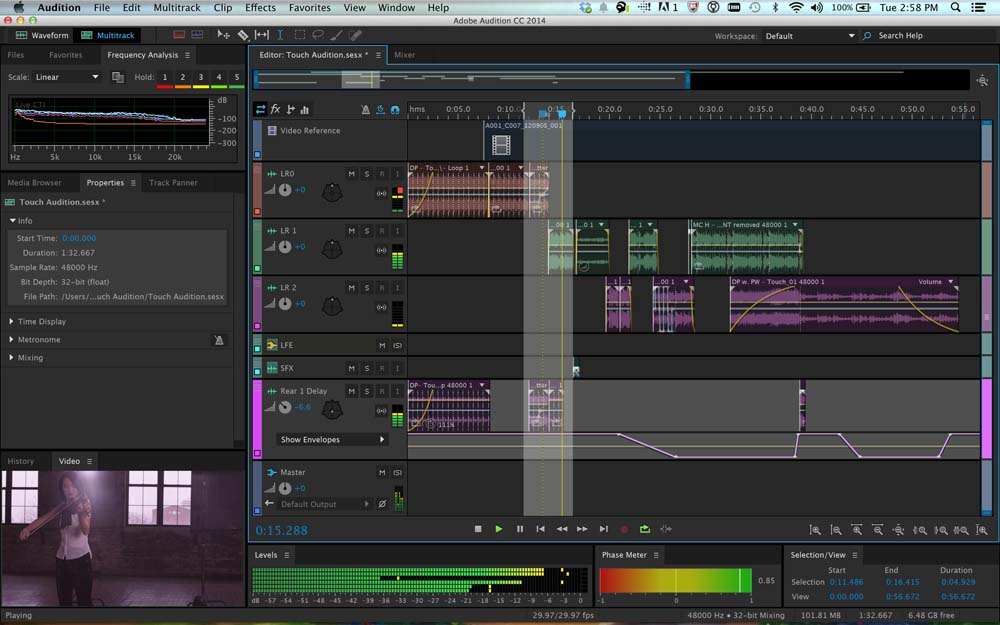
At long last! Adobe has developed a Mac OS version of its famous Adobe Audition, a complete and feature-rich audio recording, editing, mixing and mastering program. The beta version of Adobe Audition for Mac is currently available through Adobe Labs.

This is great news not only for Mac users but for PC users anxious to know that Adobe is still committed to developing Audition. Since the deployment of Soundbooth, it looked like Adobe had lost interest in Audition, which is far more comprehensive without being as complicated to use as ProTools or other software. What I particularly like about Audition is its inherent versatility. It handles analog sound and MIDI sequencing, both production and post-production through its multitrack editor for mixing and mastering. And you can use it with different hardware setups on the fly, unlike ProTools which has its licensing tied up to Digidesign or M-Audio interfaces.

What’s New in Adobe Audition

Adobe Audition for Mac will have all the same great features of Adobe Audition 3, the last PC version, including the healing tool (a great concept borrowed from Photoshop). The new version will have 64-bit support which means it will use nearly as much memory as you throw at it for faster overall processing. The new version also promises improved noise reduction capabilities and improved workflow, allowing you to load additional audio files in the background while you continue to edit files in the foreground. Also new to this version is native 5.1 surround sound support.

For more details, check out Jason Levine’s Adobe Audition for Mac video on Youtube.

Don’t have a Mac? That’s OK. All these features are expected (rumored) to be part of the next version of Adobe Audition for PC as well.

Vocoder Effect In Adobe Audition 1.5

A vocoder basically makes a musical instrument or sound effect talk like you (or mimic whatever you use to modulate the carrier wav, your voice). Adobe Audition 1.5, my favorite editing program, comes with a vocoder in the multitrack section under effects. Here’s a vocoder video tutorial by Jason Levine. It’s part of the excellent Total Training DVD for Adobe Audition 1.5. I definitely recommend that training DVD which I think is still available on eBay. Jason uses the vocoder for the great intro clip that loads when you first launch Adobe Audition’s multitrack feature.

Anyway, here is a vocoder sample mp3 file I produced.

[audio: http://nikkisaco.com/audio/vocoder.mp3]

You’ll hear the original clips and the vocoded effect using a guitar loop. One portion has a dry voice recording saying “voice over services”. I enhanced that with the vocoded version of the same phrase on a separate track. I also added a cello wav file that I love. (The cello is probably my favorite instrument; so much emotion.) Then, I added a vocoded phrase I created with the cello as the modulating track. Very interesting sounds. I love to play with this stuff.